
Getting started
Creating your account
Sign up, tell us about your business, and get to your dashboard in a few minutes.
Updated 2026-09-03
Signing up creates your Tracelot account — the workspace that holds your products, batches, orders, and team. You'll do this once; teammates join later by invitation from Settings → Users.
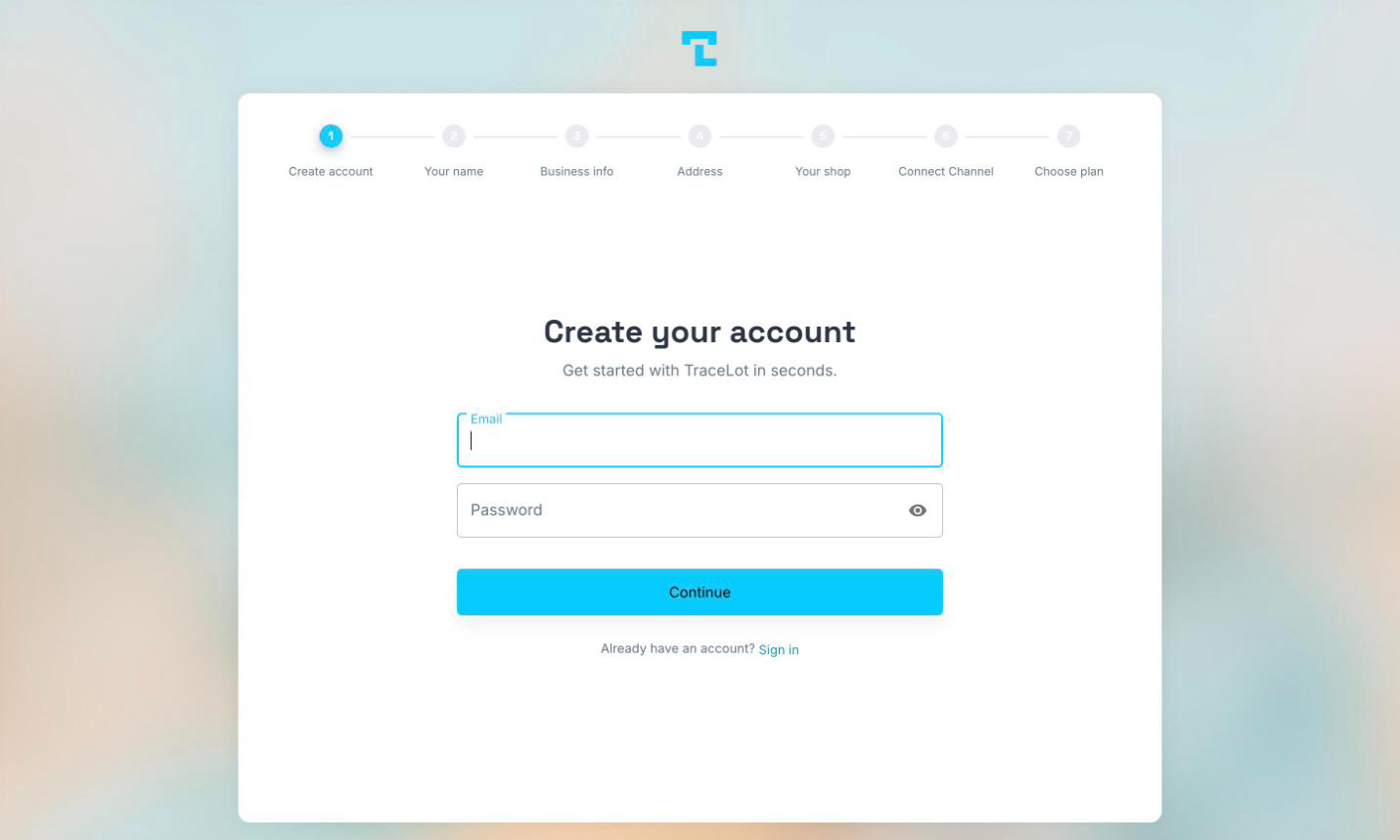
Before you start
- A work email address you can access — Tracelot emails you a verification code during sign-up.
- A password of at least 8 characters.
- Your business name and address, and what you sell.
- If you sell through Veeqo or Shopify, have your login for that platform to hand. You can connect it during sign-up or later.
Sign up
- Go to dash.tracelot.com/signup.
- Enter your email and a password (minimum 8 characters), then click Continue.
- Tracelot emails you a 6-digit verification code. Enter it and click Verify. Didn't get it? Click Resend code, or Edit email to fix a typo.
- Enter your first name and last name, then click Continue.
- Enter your company name and, optionally, a business phone number, then click Continue.
- Enter your business address — country, street address, city, state or province, and postal code — then click Continue.
- Optionally tell us your industry, primary sales platform, shop name, and shop public URL, then click Continue. These fields are all optional.
- Connect your sales channel — see Connecting Veeqo or Connecting Shopify — or click Skip for now.
- Choose a plan, or click Skip for now. See Choosing a plan.
Tip
Every screen has a back arrow in the top-left corner, so you can safely go back and change an earlier answer.
Note
If you skip connecting a channel or choosing a plan, you land on a summary screen that tells you what's still pending. You can explore the dashboard, but most features stay locked until both are done.
What happens next
Once your channel is connected and a plan is chosen, click Go to Dashboard to land on the Inventory page. A Startup Guide panel walks you through connecting a channel, activating your subscription, syncing products, adding your first batch, enabling order processing, and processing your first order — see the onboarding checklist.
Related
Choosing a plan and starting your free trial · Connecting Veeqo · Connecting Shopify