
Settings
Notification settings
Turn email alerts on or off and choose who receives them.
Updated 2026-09-03
The Notifications tab controls the account's email alerts. It's visible to owner and admin users only.
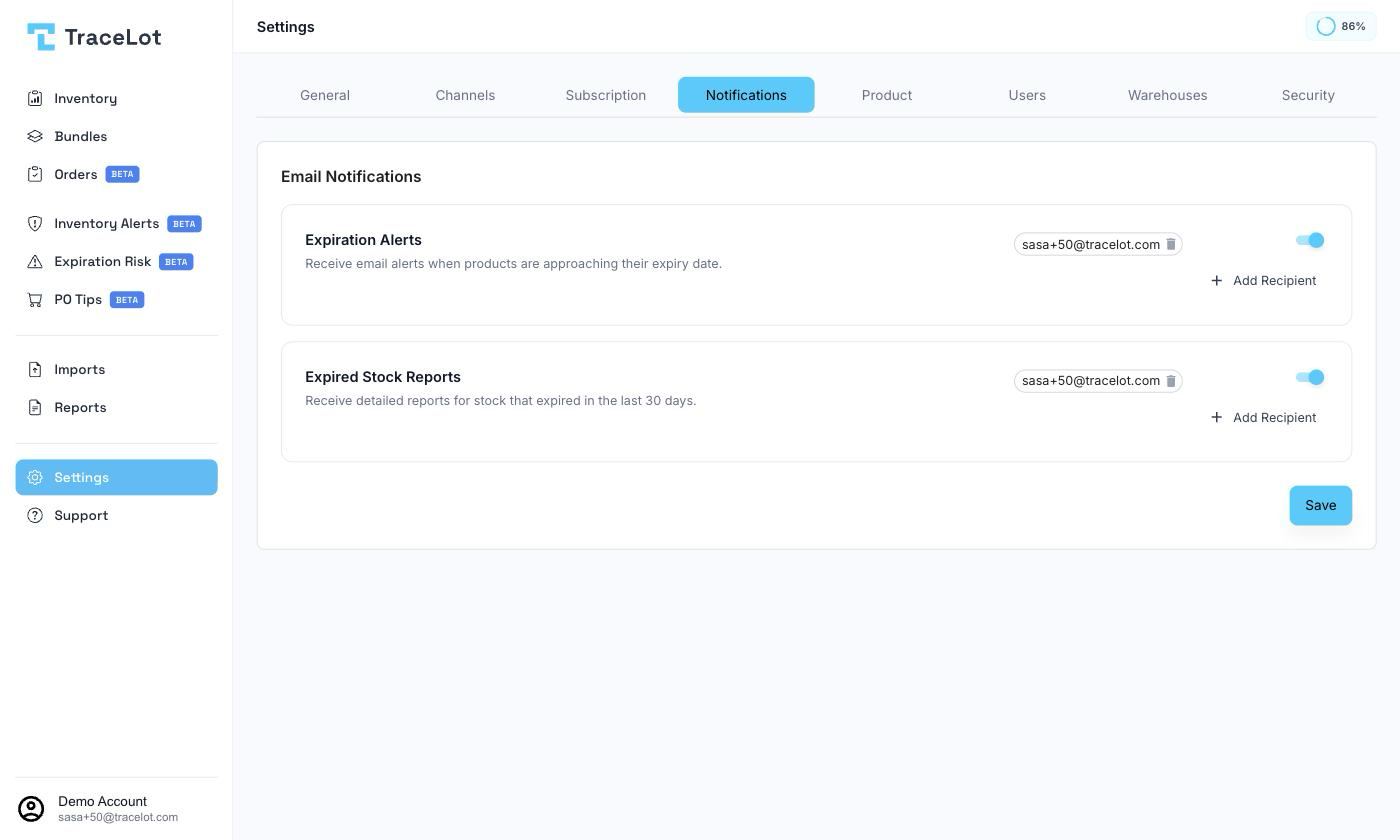
Expiration Alerts
Sends email alerts when products are approaching their expiry date. Use the switch to turn it on or off, and add or remove recipient email addresses using the chips on the row — click Add Recipient, type an address, and confirm. On by default.
Expired Stock Reports
Sends a detailed report for stock that expired in the last 30 days. Has its own switch and its own recipient list, managed the same way as Expiration Alerts. On by default.
Saving
Click Save to apply your changes to both rows.