
Settings
General settings
Your business details, date format, currency, and personal profile.
Updated 2026-09-03
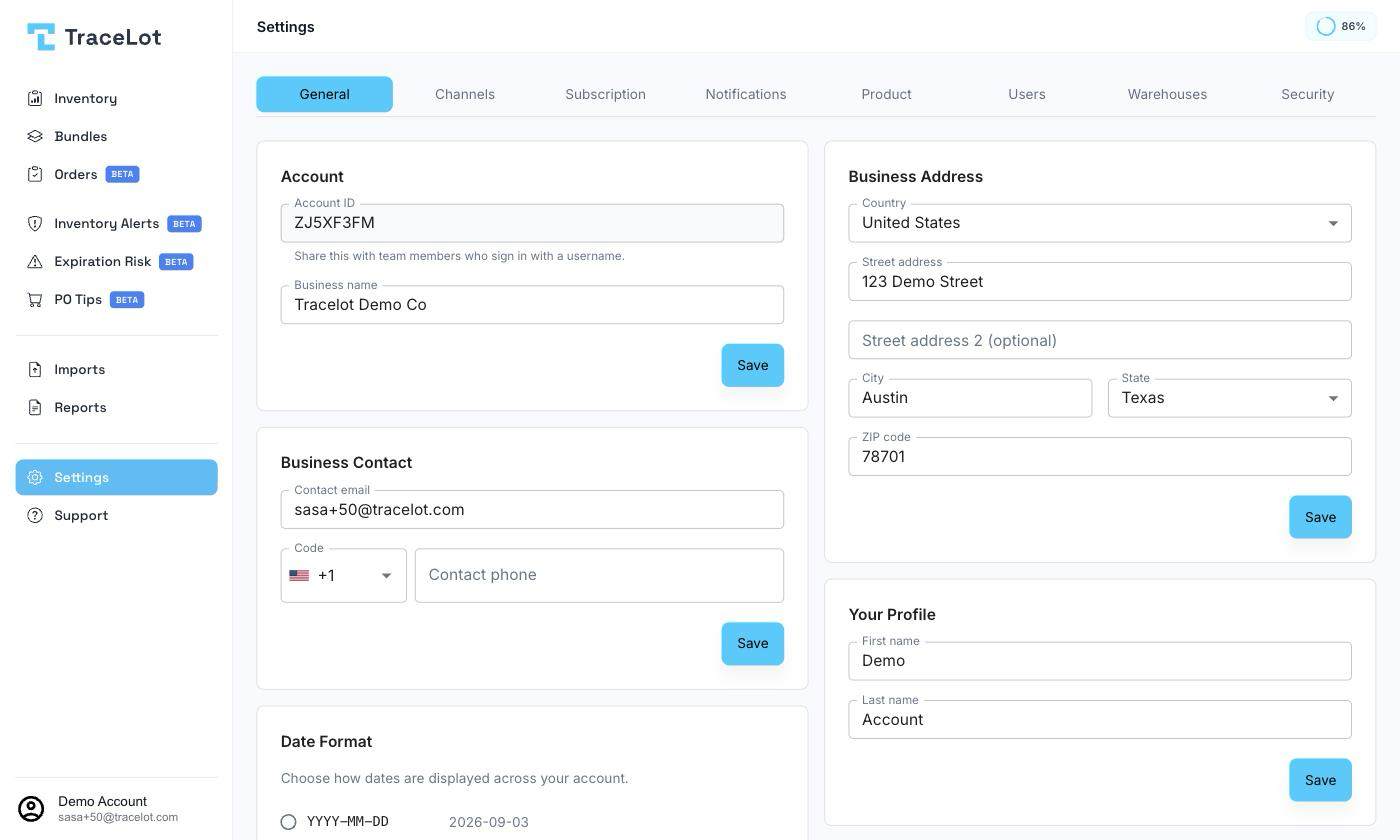
The General tab holds your business's identity — its name, contact details, and address — plus two account-wide display preferences: date format and currency. It's visible to owner and admin users only.
Account
Shows your Account ID — a read-only code your teammates use when signing in with a username instead of an email — and an editable Business name field. Click Save to apply changes.
Business Contact
Set the Contact email and Contact phone for the business. Click Save to apply.
Date Format
Choose how dates are displayed across your account. Pick one of the listed presets — each shows its pattern and a live preview using today's date — or select Custom to enter your own pattern using the token legend shown below the field (for example, tokens for day, month, and year). The preview updates as you type; Save is disabled if the custom pattern is invalid.
Currency
Choose the currency used for costs and money fields across your account from the Currency dropdown (shown as a code and symbol, e.g. USD ($)).
Careful
Costs already entered keep their original currency when you change this setting. Change it only if no costs have been recorded yet, or if you expect to re-enter them.
Business Address
Set your business's Country, Street address (with autocomplete), an optional Street address 2, City, State/Province (a dropdown of US states when the country is United States, otherwise a free-text field), and ZIP/Postal code. Click Save to apply.
Your Profile
Set your own First name and Last name. This updates your personal profile, not the business record above. Click Save to apply.
Note
If you're not an owner or admin, you won't see a General tab. Instead you get a Profile tab with a read-only Account ID and your name.
Related
Channel settings · User roles and invites · Notification settings